 FlockOff
Version 1.2.0 is out — available now on the App Store.
Awareness on the road, without an ad-tech shadow.
FlockOff shows mapped ALPR and traffic cameras, warns as you approach, and can guide you turn-by-turn along the route with fewer of them. Proximity matching and route choices stay on your device. No ads, no analytics, no FlockOff account, and no subscription — free, and it stays that way.
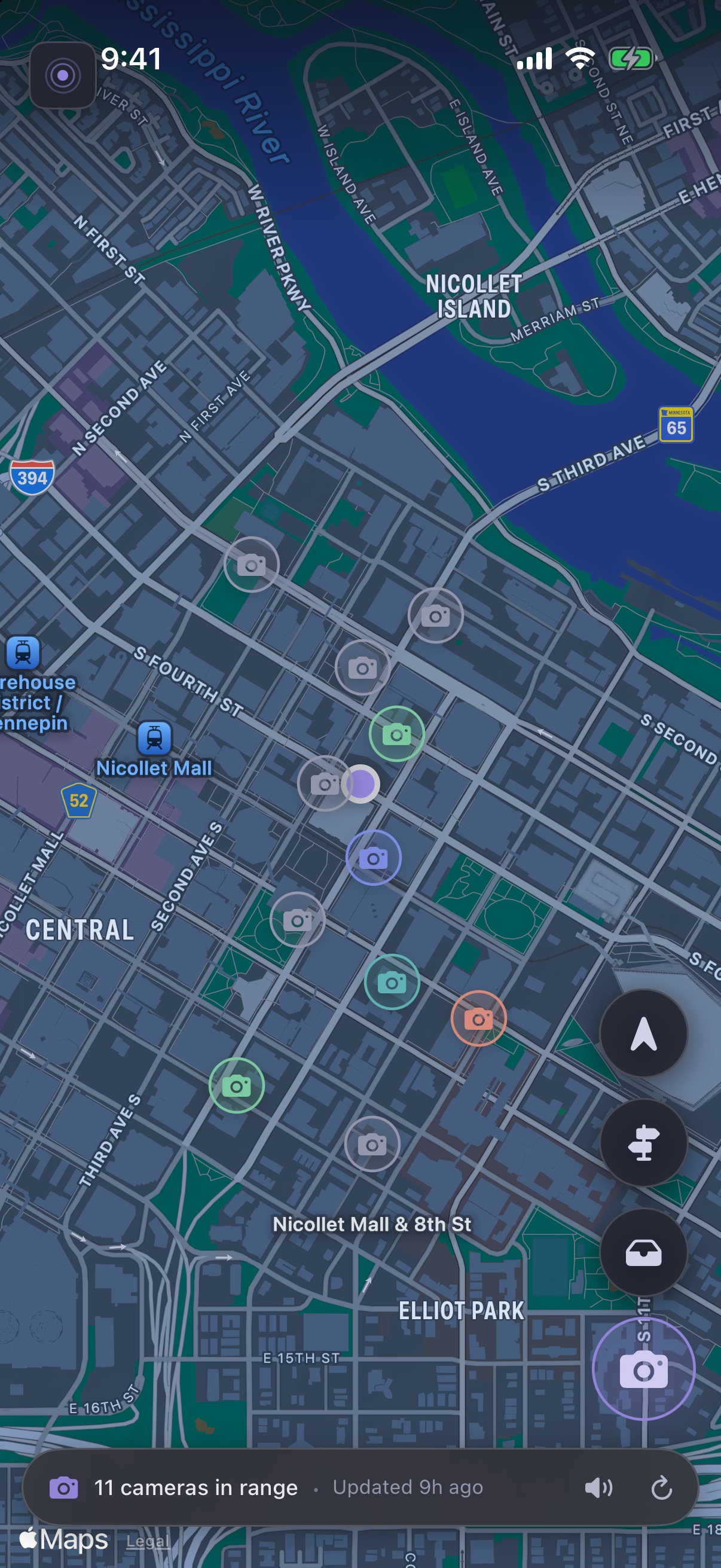
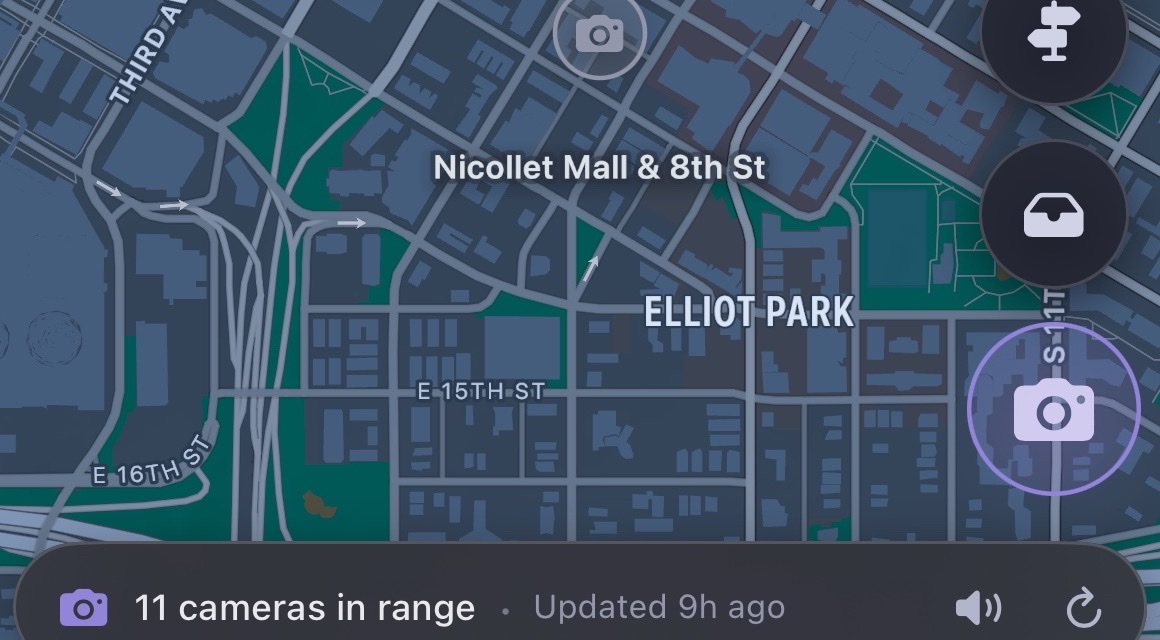
Live view · Minneapolis, MN
The same calm view, at either scale.
Use the focused iPhone view in the car, or open the wider iPad map while planning. Camera markers, route context, alert controls, and reporting stay familiar across both.
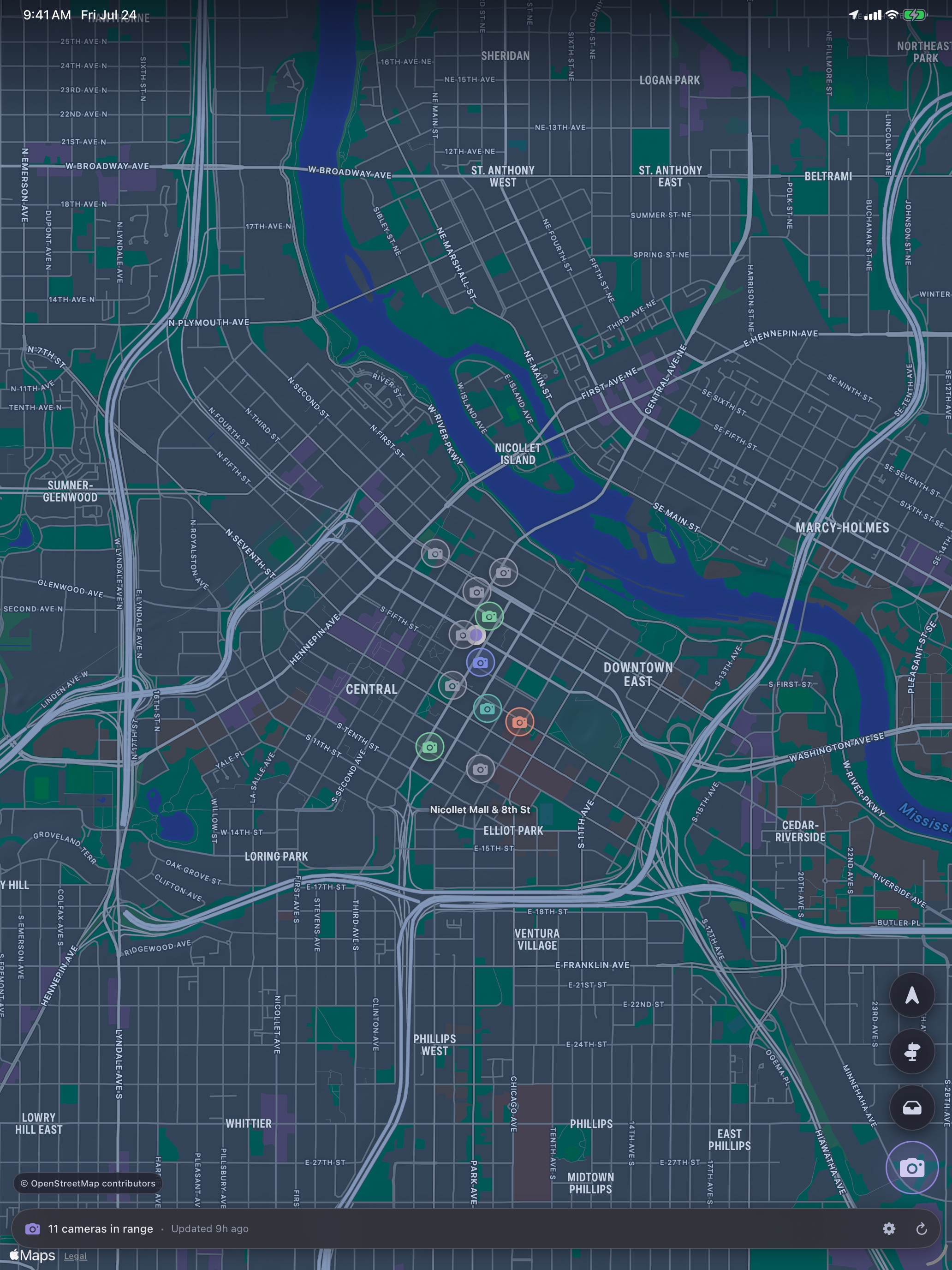
App shown with a simulated location in downtown Minneapolis.
What happens during a drive.
-
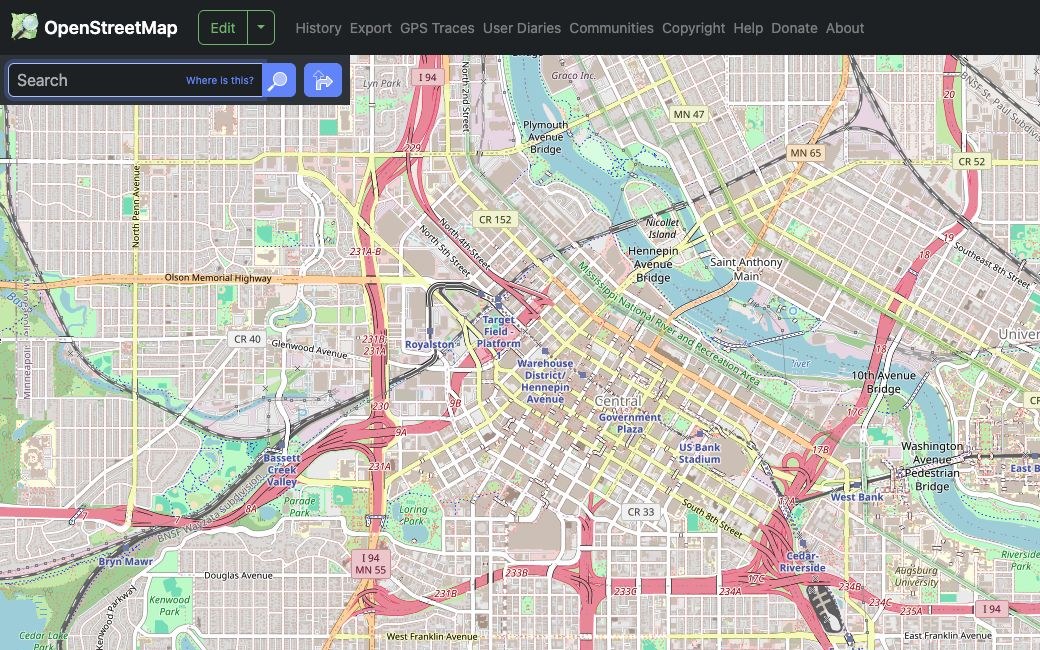
Load the cameras around you
FlockOff asks an OpenStreetMap Overpass service for mapped cameras in a roughly 10-mile area, then caches the result. Spot a camera we don't have yet? Report it by voice or map tap, and after you review and confirm it, the edit goes back into that same open dataset — available to every app and every driver who draws from OpenStreetMap, not locked inside FlockOff.
-
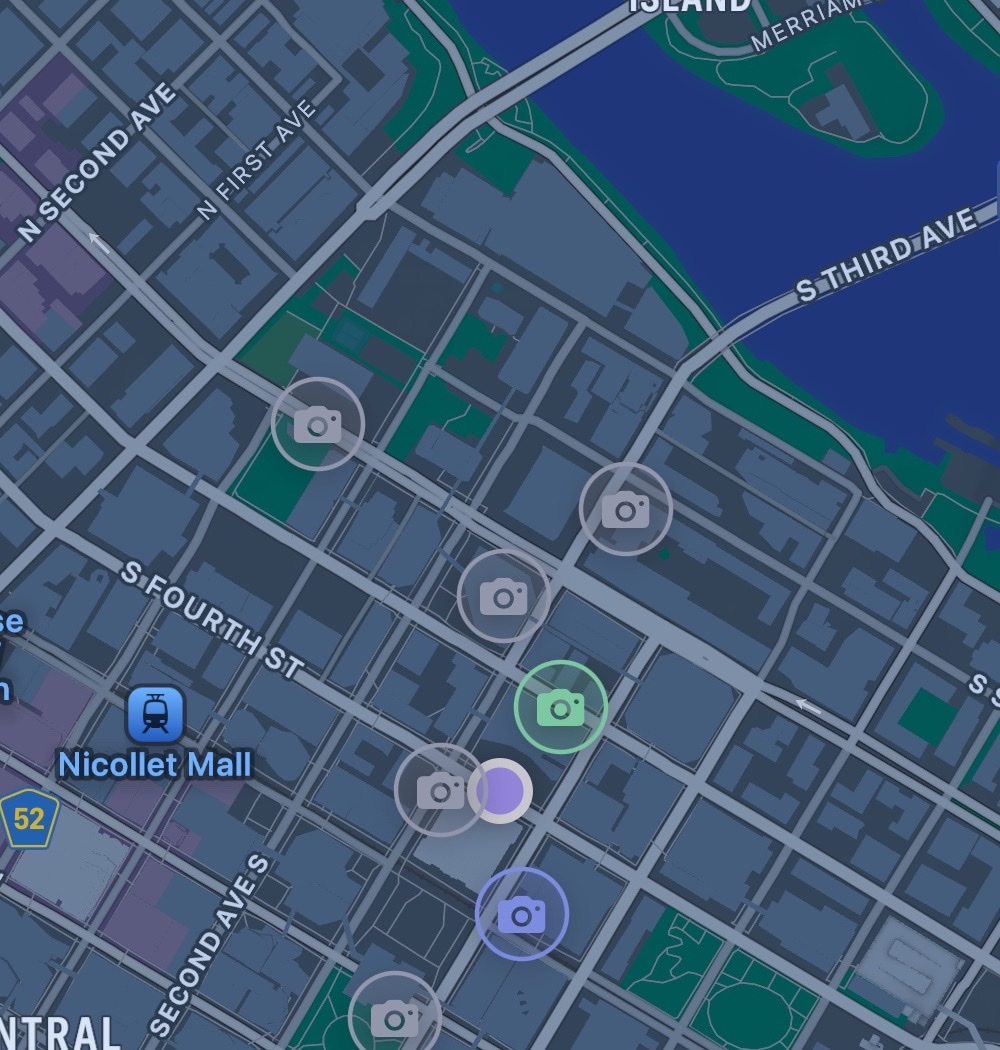
Compare distance on your device
Your iPhone or iPad continually compares its location with that local camera list. Your travel history is not uploaded to FlockOff. The map stays smooth even in camera-dense cities by only drawing what's actually on screen.
-
Hear the alert before the camera
Configurable tones escalate as you approach. You can keep your eyes on the road instead of watching the map.
Set up FlockOff before you move.
Do not interact with the map, route controls, or report-review screens while driving. Camera data is community-maintained and can be incomplete, delayed, or inaccurate. FlockOff is not an emergency service, a law-enforcement detector, or a substitute for attentive driving and compliance with local law.
A few quick checks solve most issues.
I don't see cameras near me.
Confirm Location Services and cellular or Wi-Fi access are on, then tap the refresh button. OpenStreetMap coverage varies by area, and a missing marker may simply not be mapped yet.
Alerts stop when I leave the app.
In FlockOff Settings, turn Monitoring on. Allow location access and keep the app running in the background. iOS can stop all activity if you force-quit the app.
OpenStreetMap sign-in or submission failed.
Check your connection, sign out, and reconnect your OpenStreetMap account. Report records stay on your device unless you delete them. A successful submission also creates a public OpenStreetMap edit and leaves a local submitted record that you can remove separately.
How do I delete my data?
Clear the cached camera map data anytime from Settings → Storage. You can also delete pending reports or remove submitted local records from Camera Reports, sign out of OpenStreetMap to remove the local token, or delete FlockOff to remove everything else it stores locally, including your Drive Log. Published OSM edits are part of OSM's public history and must be corrected through OpenStreetMap.
Open this map →
Community mapping makes the alerts possible.
FlockOff retrieves camera records contributed to OpenStreetMap through the Overpass API, then does proximity matching on your device. The map shown here is centered on Minneapolis.
Camera and map data © OpenStreetMap contributors, available under the Open Data Commons Open Database License. In-app base maps, search, and directions are provided by Apple MapKit under Apple's terms.